Best AI Video Editing Software in 2026: Top AI Editors Compared for Creators & Businesses
Compare the best AI video editing software in 2026. Discover the top AI-powered video editors for YouTube, TikTok, Instagram, businesses, and professional creators with detailed features, pros, pricing, and comparisons.
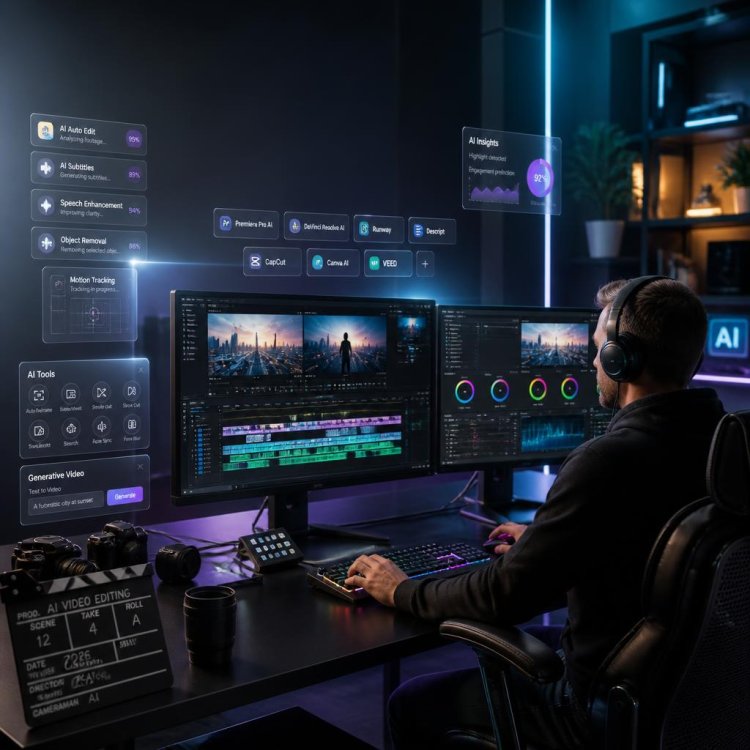
Best AI Video Editing Software in 2026: Complete Comparison Guide
Artificial Intelligence has completely transformed the way videos are created and edited. Tasks that once required hours of manual work—cutting clips, removing silence, generating subtitles, enhancing audio, color correction, object removal, background replacement, and even creating entire scenes—can now be completed within minutes using AI. Whether you're a YouTube creator, TikTok influencer, filmmaker, digital marketer, educator, or business owner, modern AI-powered video editing software can dramatically reduce editing time while improving production quality. This guide compares the best AI video editing software available in 2026, highlighting their strengths, weaknesses, ideal use cases, and key features to help you choose the right platform.
Table of Contents
- What is AI Video Editing Software?
- Benefits of AI Video Editors
- How We Compared Each Platform
- Top AI Video Editing Software
- Adobe Premiere Pro
- DaVinci Resolve
- Runway
- Descript
- CapCut
- Canva AI
- VEED
- Final Verdict
- Frequently Asked Questions
What is AI Video Editing Software?
AI video editing software uses machine learning and generative AI to automate repetitive editing tasks. Instead of spending hours manually trimming clips, removing background noise, generating subtitles, masking objects, or creating transitions, AI analyzes your footage and performs these actions automatically. Modern AI editors now include:
- Automatic scene detection
- Smart timeline editing
- AI voice enhancement
- Background removal
- Object removal
- AI subtitles
- AI translations
- Voice cloning
- Auto zoom
- Face tracking
- Motion tracking
- Text-to-video generation
- Image-to-video generation
- AI avatars
- Script generation
- Automatic highlights
The newest generation of AI editors combines traditional timeline editing with generative AI, allowing creators to build entire productions from a simple text prompt.
Why AI Video Editing is Growing So Fast
Video has become the dominant content format across nearly every online platform. Businesses publish promotional videos daily. Creators upload thousands of YouTube videos every hour. Short-form content dominates TikTok, Instagram Reels, Facebook Reels, and YouTube Shorts. Because demand continues to increase, creators need faster production workflows. AI dramatically reduces production time while lowering editing costs. Instead of replacing creativity, AI allows creators to focus more on storytelling and less on repetitive technical work.
How We Evaluated the Best AI Video Editors
Each platform was evaluated using the following criteria:
- Editing Features
- AI Capabilities
- Video Quality
- Export Quality
- Rendering Speed
- Ease of Use
- Collaboration Tools
- Cloud Features
- Commercial Licensing
- Pricing
- Learning Curve
- Value for Money
No single editor is perfect for every creator. Some prioritize automation, while others focus on professional editing workflows. Understanding your own production needs is more important than simply choosing the platform with the longest feature list.
1. Adobe Premiere Pro
Adobe Premiere Pro remains one of the most widely used professional video editing applications in the world. Adobe has significantly expanded its AI capabilities through Adobe Sensei and Firefly, introducing features such as Generative Extend, automatic scene editing, speech enhancement, object removal, color matching, AI-powered transcription, and intelligent audio cleanup. For professionals already working within the Adobe Creative Cloud ecosystem, Premiere Pro offers one of the most complete AI-assisted editing environments available.
Key AI Features
- Generative Extend
- AI Speech Enhancement
- Automatic Transcription
- Auto Caption Generation
- Scene Edit Detection
- AI Color Matching
- Object Removal
- Smart Audio Cleanup
Pros
- Industry standard
- Outstanding ecosystem
- Excellent AI features
- Professional workflow
- Frequent updates
Cons
- Subscription pricing
- Steep learning curve
- Requires powerful hardware
Best for professional editors, agencies, YouTubers, production studios, and filmmakers.
What's Your Reaction?